K4TH HamRadio Adventures
Radio Outlander Rig

Ham outlander rig built for off-grid adventure. Combining reliable power and serious communication gear in one overland-ready setup. It features a 100 W solar panel feeding a 150 Ah LiFePO₄ battery bank, providing days of clean power for mobile operations. All band and all mode operation with break out portable operations and cross band repeater for extended range.
Information
- HamsOverIP: 103476
- AREDN VOIP: 478-4710
Radio Operation
Frequency: --
Mode: --
Radio: --
Last update: --
Latest Camera and Weather
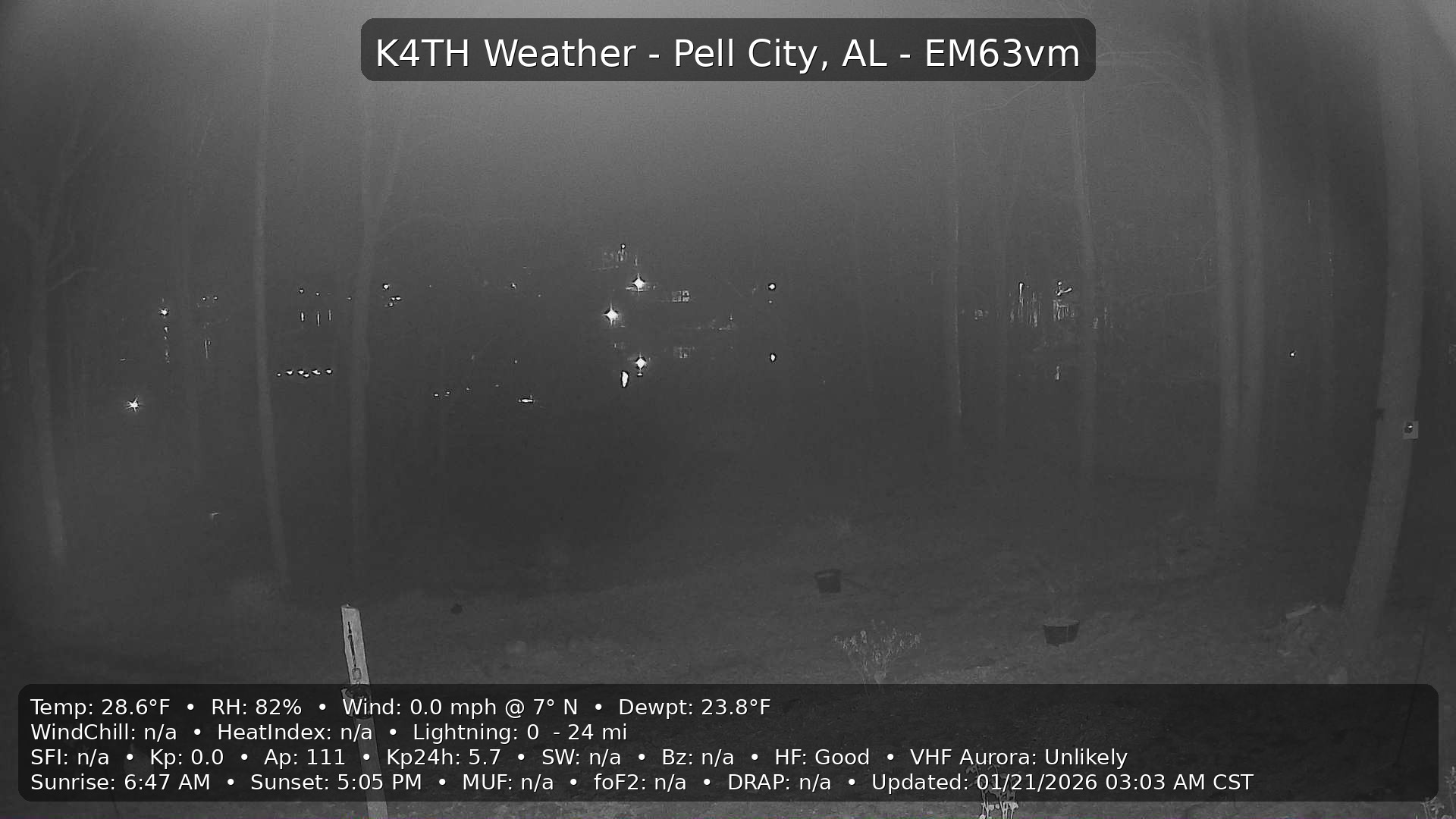
Local Weather - K4TH QTH
Updated: —
Loading latest conditions…
- Station
- —
- Observed
- —
- Temperature
- —
- Feels Like
- —
- Dew Point
- —
- Humidity
- —
- Wind
- —
- Pressure
- —
- Rain
- —
- UV / Solar
- —